Devices, licenses and documents
What primary and technical contacts can look up about their own IT in the portal - devices, licenses, domains and certificates, shared documents and their colleagues.
Your IT lets a client look up what you look after for them, without calling you to ask. Primary and technical contacts see all of it. Other contacts see the devices they use, from their home page.
Nothing secret is shown: logins, license keys, network details and your internal notes stay in ITFlow.
Devices
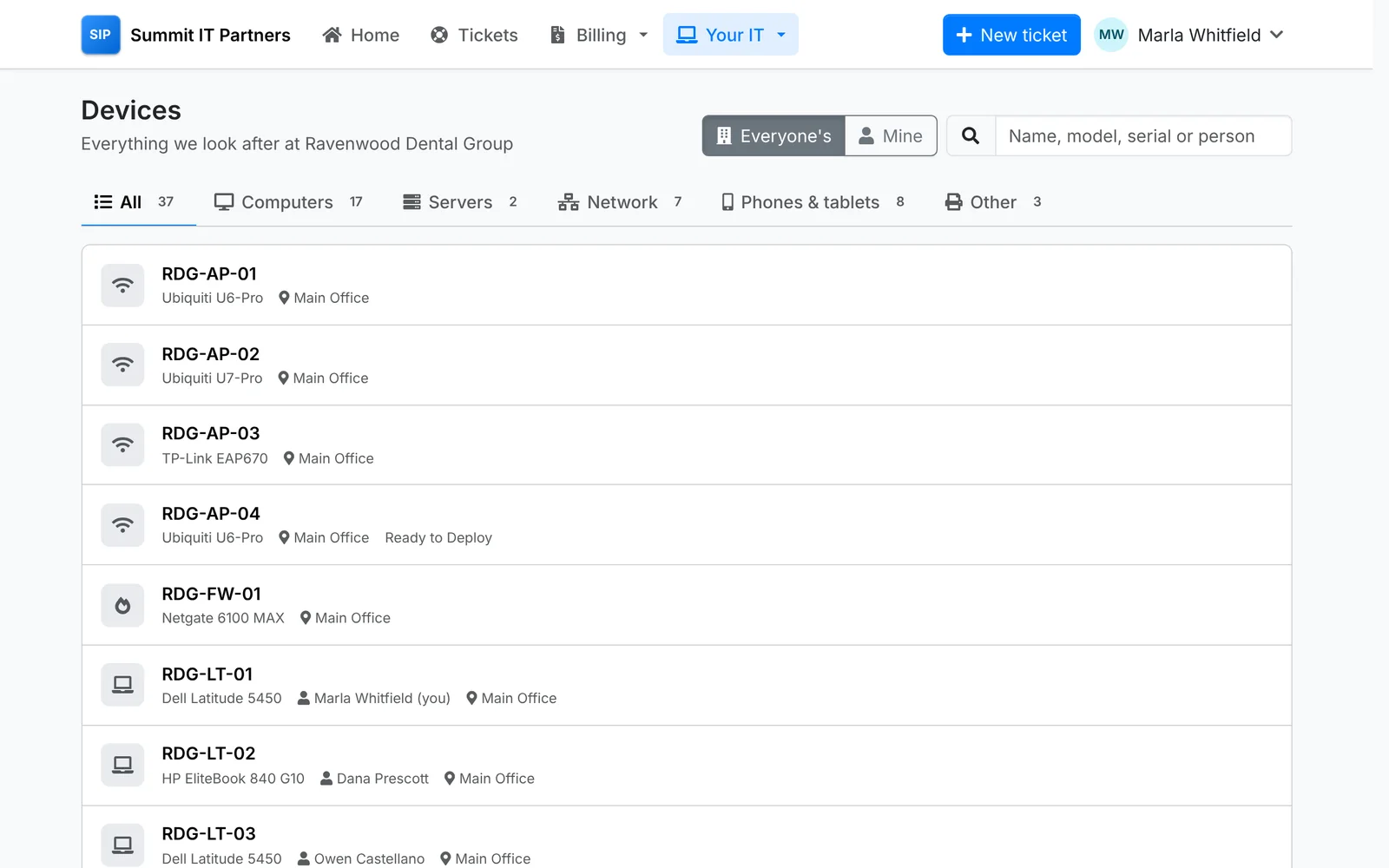
Devices lists everything you look after at the company - computers, servers, network gear, phones and the rest - in tabs by kind, with who uses each and where it is. Mine narrows it to their own. They can search by name, model, serial number or person.
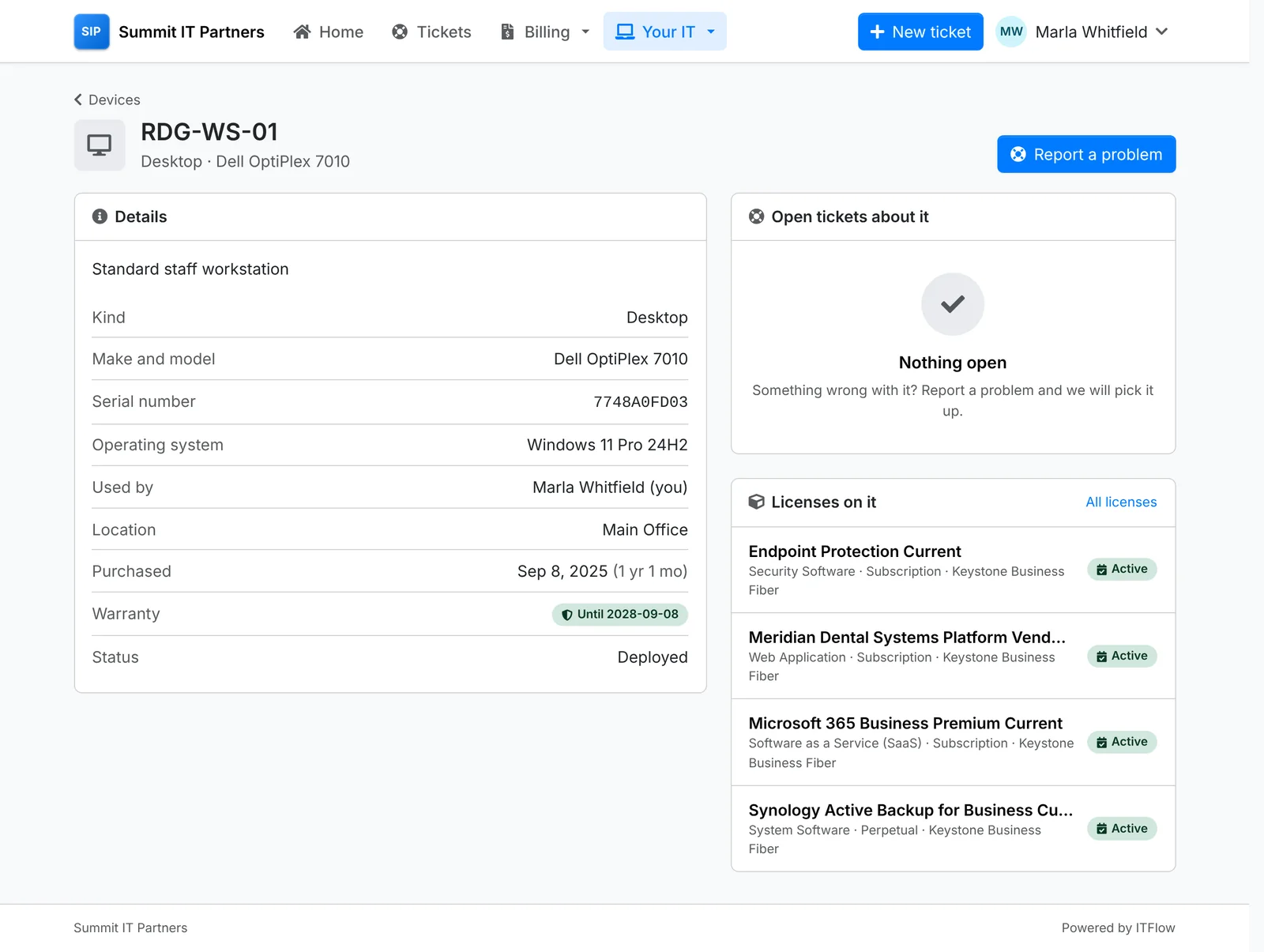
A device's page shows what it is, its serial number and operating system, who uses it and where, when it was bought and its warranty, the licenses on it and any open tickets about it. Report a problem raises a ticket with the device already filled in.
Licenses
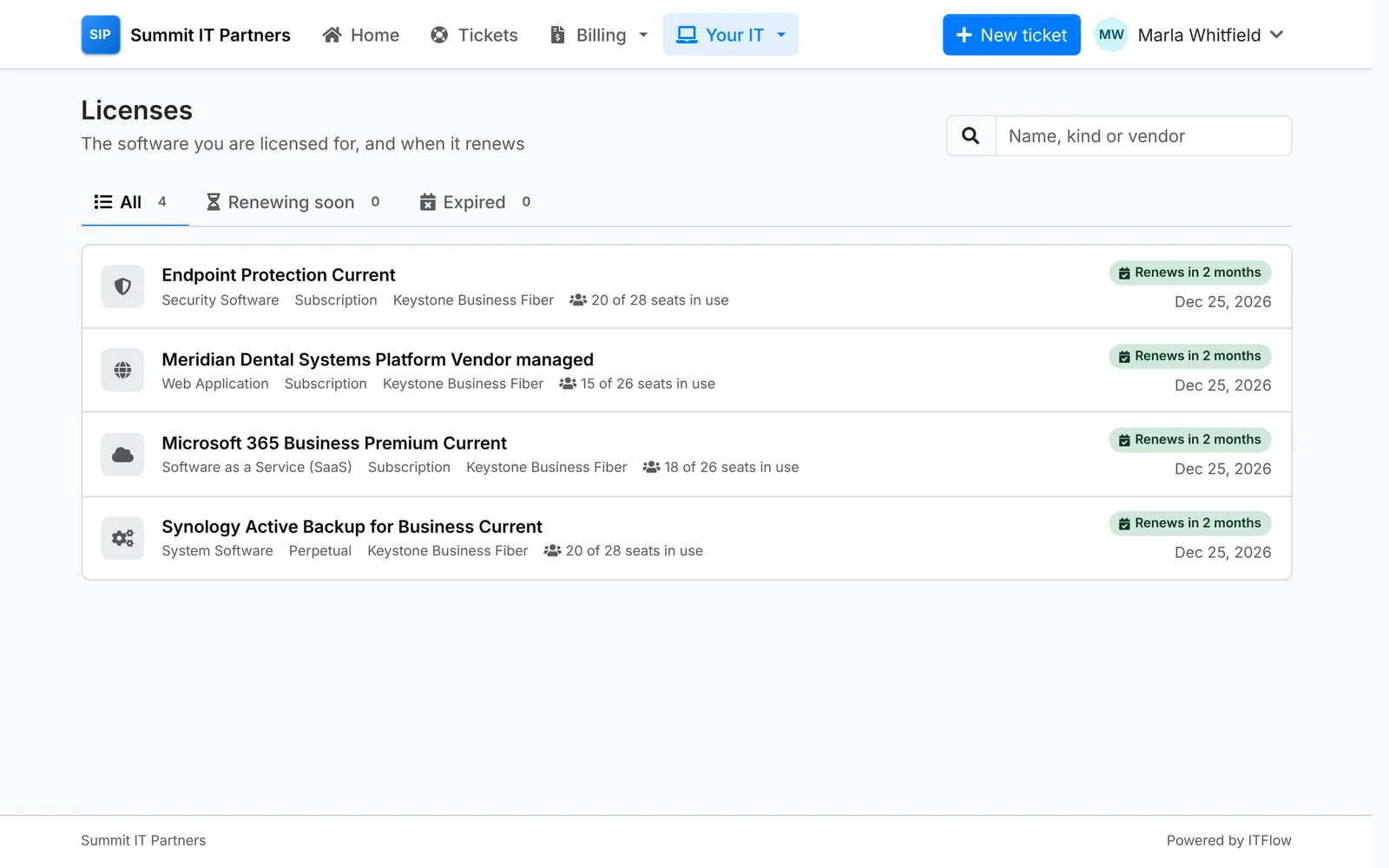
Licenses shows the software the company is licensed for: how many seats are in use of how many they bought, and when each renews. The tabs show the ones Renewing soon - in the next 30 days - and those that have Expired.
Domains and certificates
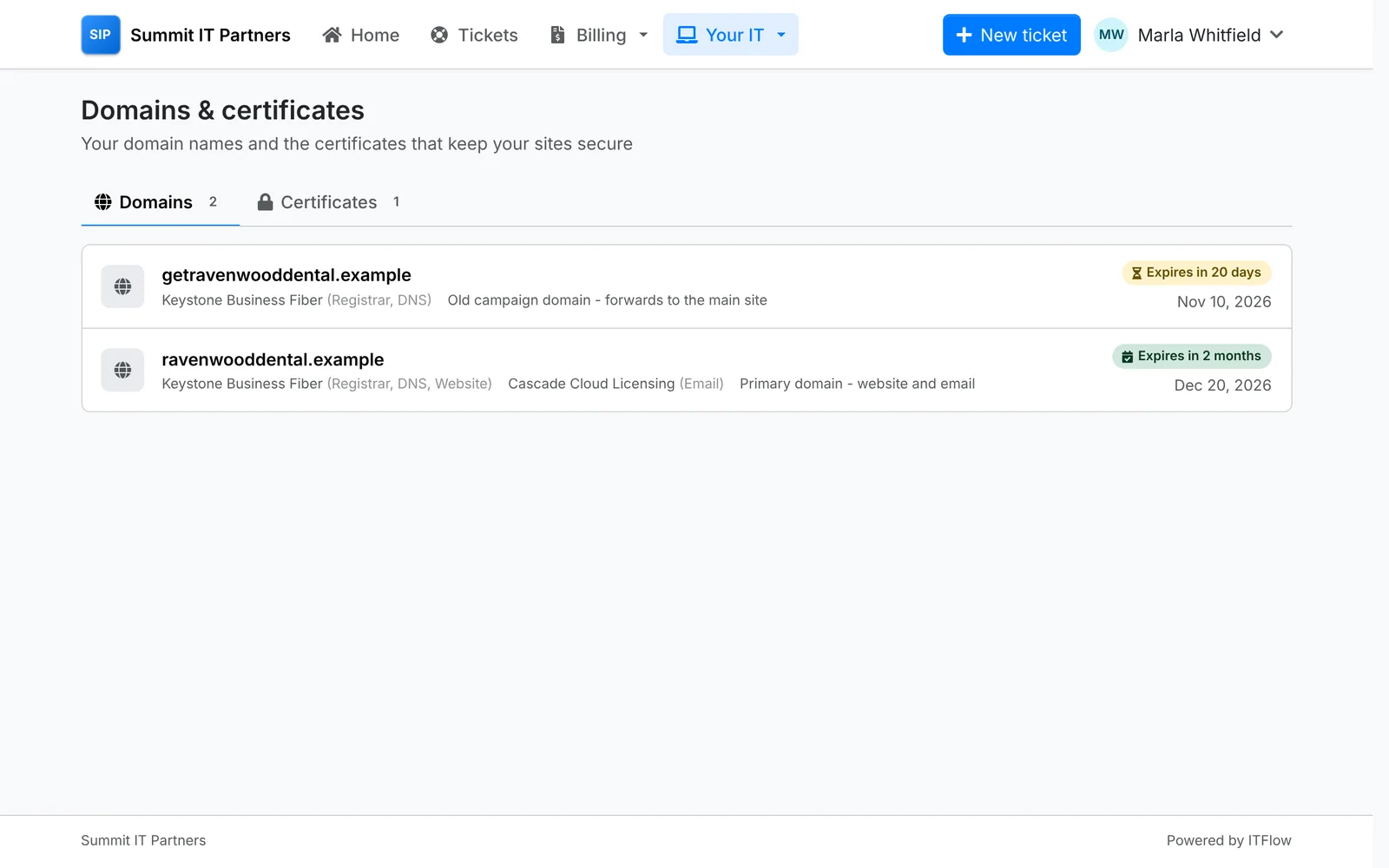
Domains & certificates lists their domain names - who registers them and runs their DNS, website and email - and the certificates on their sites, each with when it expires or renews.
Documents
Documents holds the guides and records you share with the client - "How to get help", "Connecting to the Wi-Fi", "Your backup arrangements" - in tabs by folder, and searchable by what they say. They open as written, with any files attached, and can be printed.
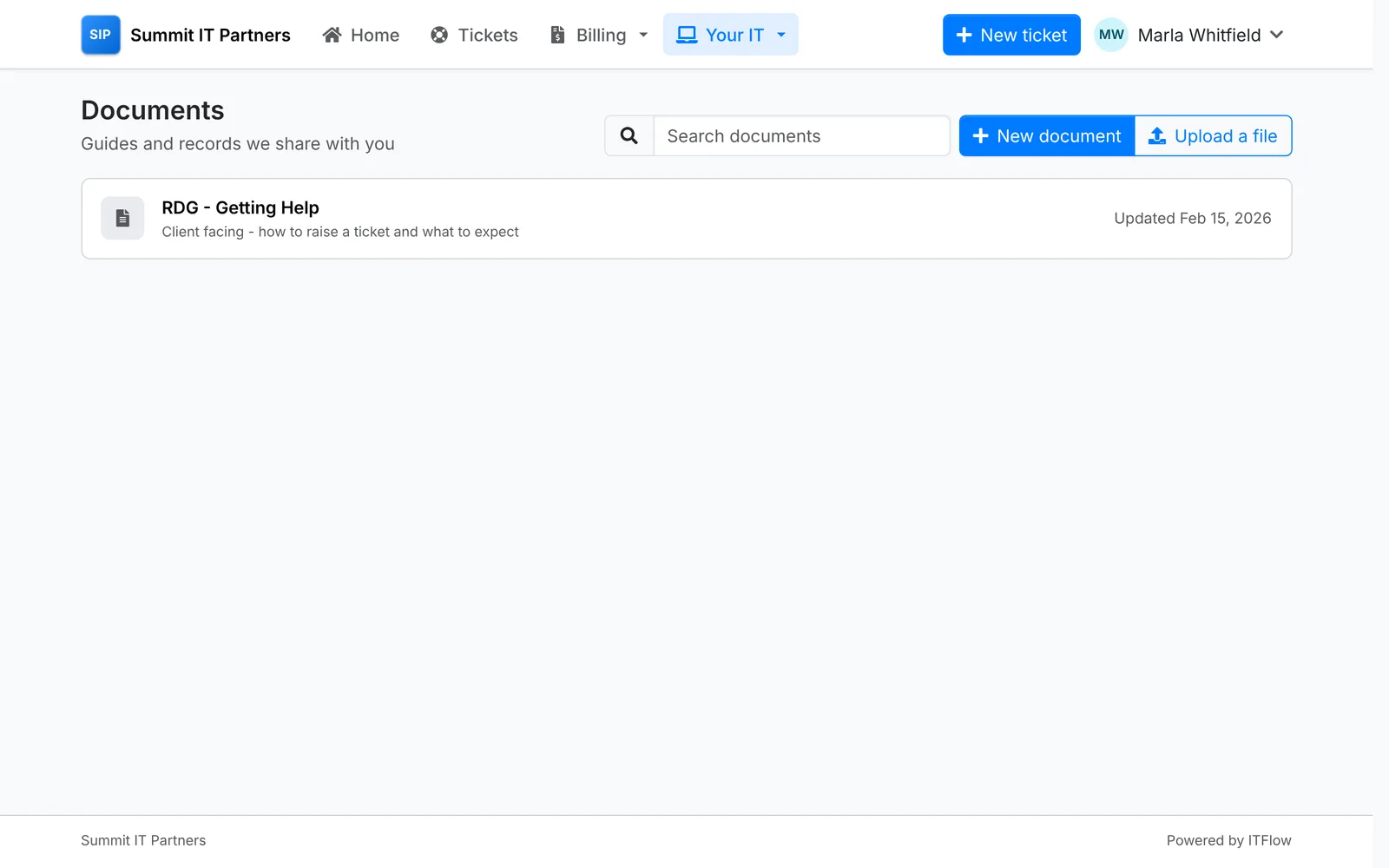
A document shows here once you switch on Show in client portal on it in ITFlow - see Files and documents.
Clients can share documents with you too: New document writes one in the editor, and Upload a file sends a PDF, Word or text document. They show in the client's documents in ITFlow straight away.
Contacts
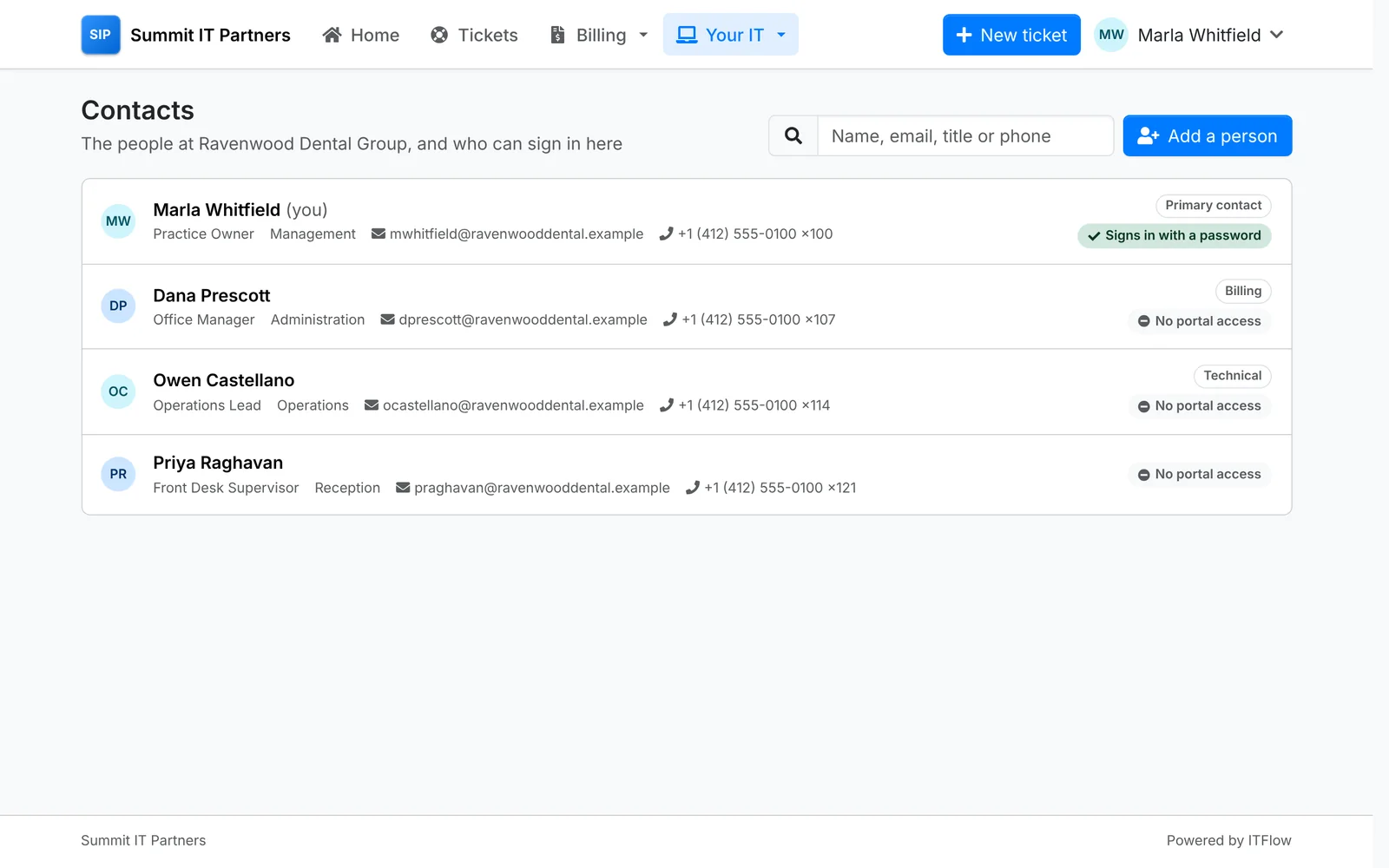
Contacts lists the people at the company, with how to reach them and their roles, and who can sign in to the portal. The primary contact adds people and manages their access from here - see Giving contacts access.