API keys
Let other systems - your RMM, a PSA sync, a script - read and write ITFlow through its API, as one of your agents, until the key expires.
ITFlow has an API, so other systems can read and write it: an RMM raising tickets from alerts, a script adding assets, a sync with another tool. Each system needs an API key.
A key acts as one of your agents. It can do what that agent's role allows, for the clients they can see, and its calls show in the audit log as them - so give each system an agent of its own, with only the access it needs.
Make a key
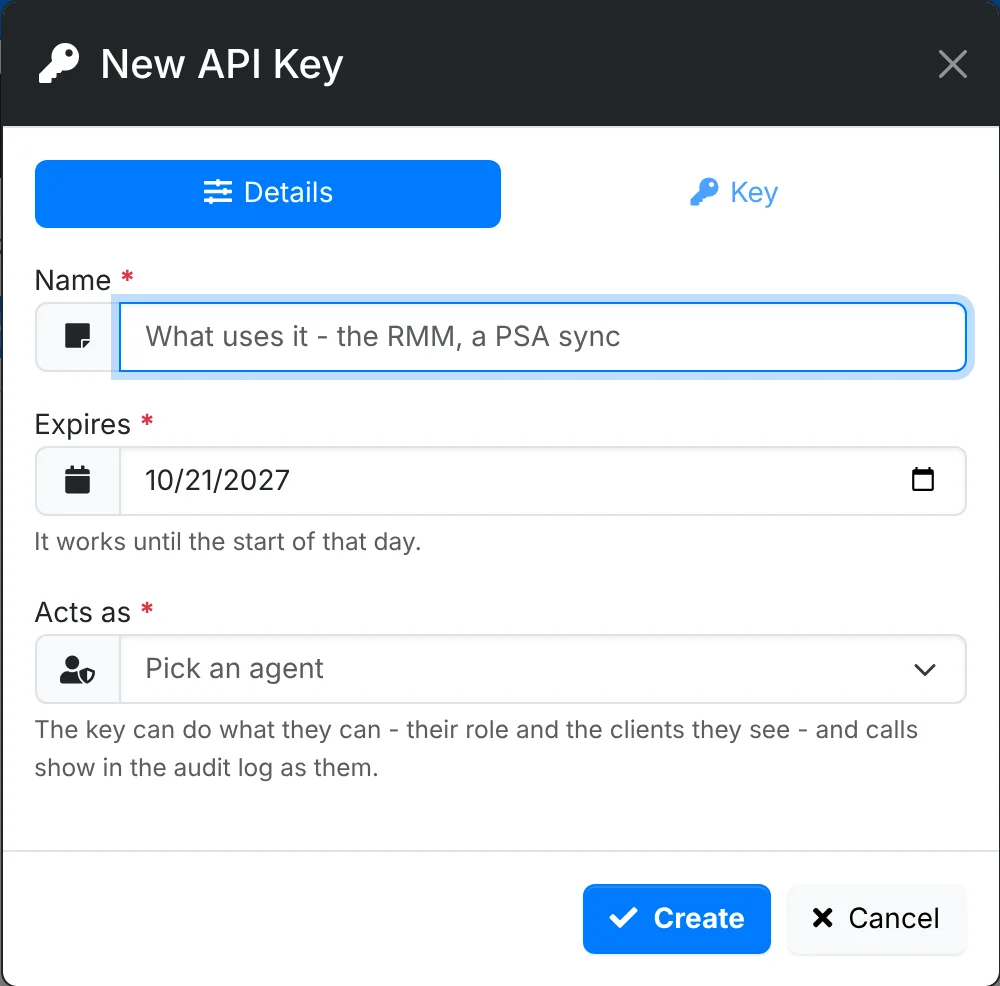
- Go to Admin > API Keys and click New API Key.
- On Details, give it a Name that says what uses it - "RMM alerts", "Asset sync".
- Set when it Expires. It works until the start of that day.
- Pick the agent it Acts as.
- On Key, copy the API key and the Credential decryption password. They aren't shown again.
- Tick that you've copied them, and click Create.
The credential decryption password is only needed by systems that read or write client passwords. It's sent with those calls, in the body, so it never ends up in web server logs.
Keep track of keys
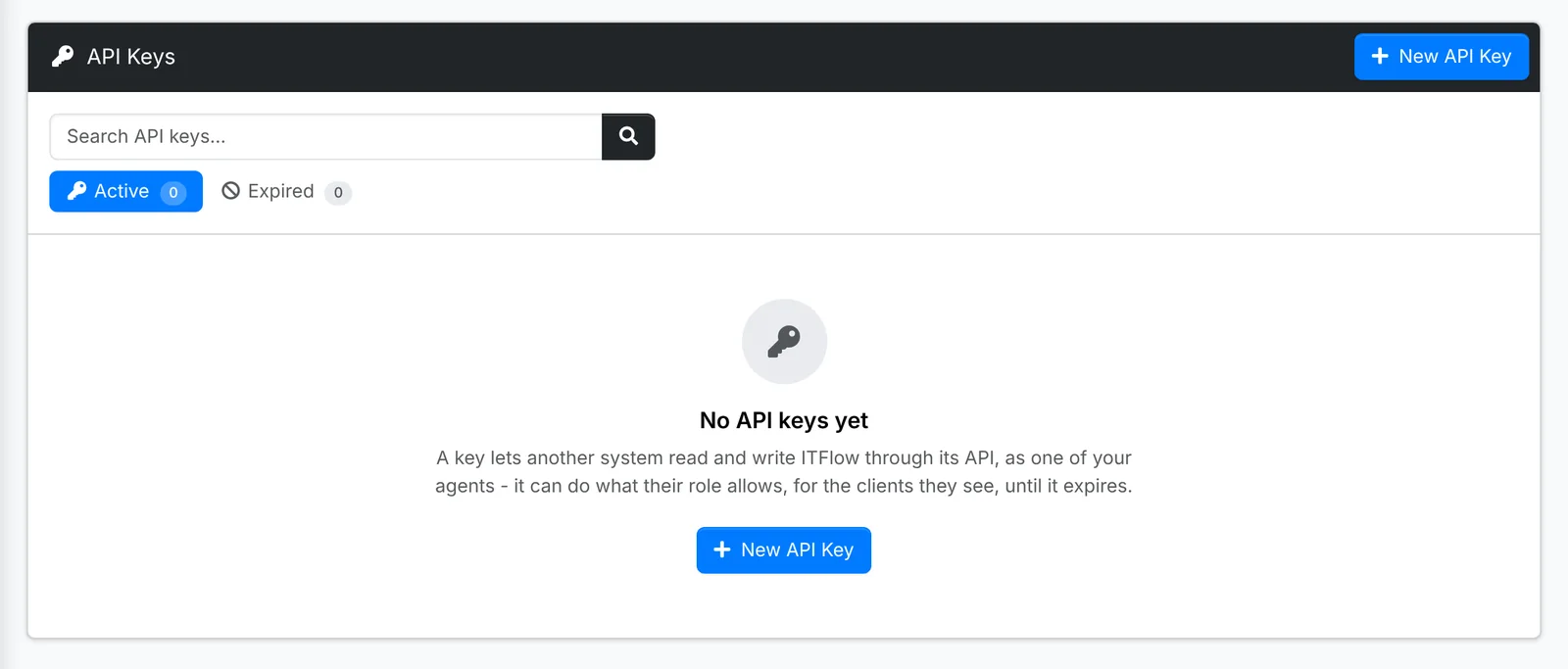
The list shows each key with who it Acts as, what it Can open and which clients, whether it works, when it was Last used and from where, and its Calls over the last 30 days - click them to see what it was used for.
A key stops working when it expires, or when its agent is disabled, archived or has no role. Revoking a key expires it straight away; it moves to Expired, where it can be deleted.
Using the API
Calls go to https://your-itflow/api/v1/, with the key as api_key:
https://itflow.example.com/api/v1/tickets/read.php?api_key=YOUR_KEY&client_id=12The API section has everything else: how to call it, what a key can see, examples, and every endpoint.
Treat a key like a password: it can do whatever its agent can. Give it an expiry date, give it an agent with only the access it needs, and revoke it when the system using it is retired.