Notifications
The bell in the top bar tells you when something needs you - a ticket assigned to you, a client's reply, a payment, a login opened from a link you shared.
ITFlow lets you know when something happens that you'll want to act on. The bell in the top bar shows how many notifications you haven't read yet, and the count updates every minute without reloading the page.
Open your notifications
Click the bell. A panel opens with your notifications grouped by day, newest first.
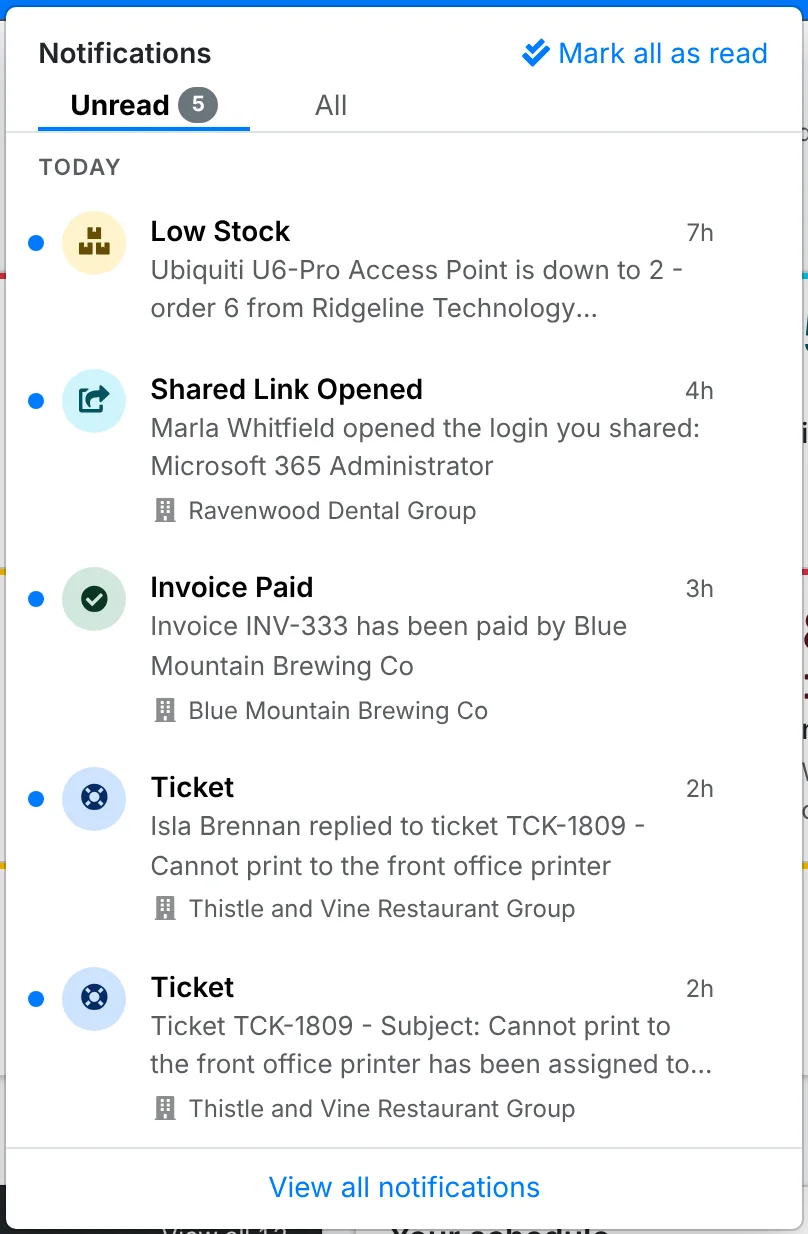
- Unread shows the ones you haven't dealt with. All shows the read ones too.
- Click a notification to open what it's about - the ticket, the invoice, the shared link - and mark it read.
- Mark all as read clears them all at once.
- View all notifications opens the full Notifications page.
The Notifications page
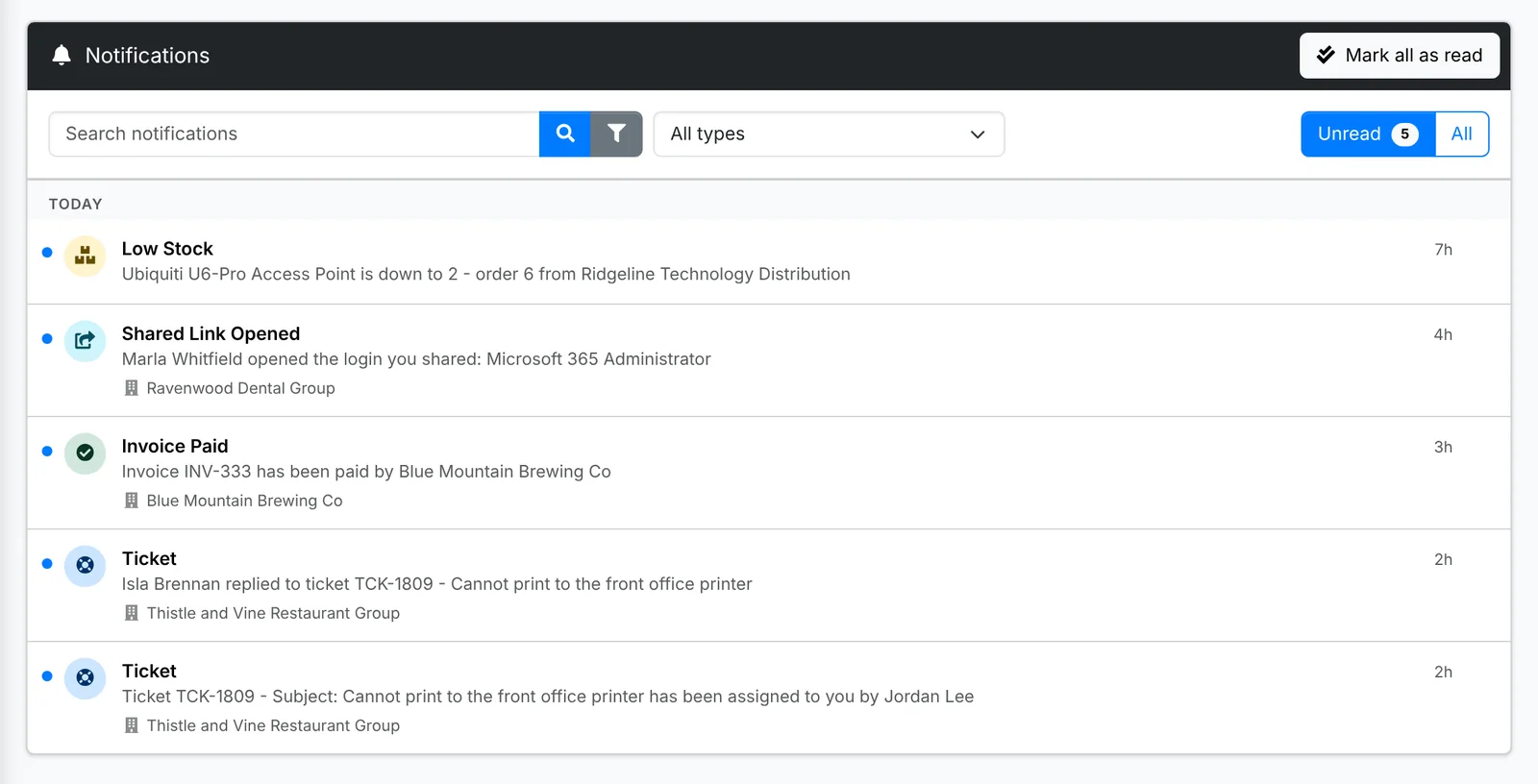
The full page lists every notification you've had, with a search box, a filter by type and Unread or All. Point at a notification to mark it read or unread on its own.
What you're notified about
What reaches you depends on your role and what you're working on. Common ones are:
- Tickets - a ticket assigned to you, a client replying to one of your tickets, a task waiting for your approval, and a client's rating of a ticket
- Recurring tickets and projects assigned to you
- Shared links - a client opening a link you shared (you can switch this off for a link when you make it), a link locking after wrong tries, and a login a client sent back to you
- Billing - an invoice paid online, and stock running low on a product
- Renewals - domains, certificates and warranties about to expire, and service reviews due
- The client portal - a client adding a contact, giving someone portal access or adding a document
- For admins - repeated failed sign-ins, emails that couldn't be sent, backups and updates
Some of these come by email too, such as tickets assigned to you and SLA warnings. Which emails go out, and to which addresses, is set by your admin in Admin > Settings > Notifications.