Maintenance
Keeping ITFlow running - cron and its jobs, backups and the encryption key, updates, and the starter content library.
Cron
Much of ITFlow happens in the background: sending email, reading the support mailbox, SLA alerts, recurring invoices and tickets, payment reminders, looking up domains and certificates, and backups. A single cron entry on your server runs it all, every minute:
* * * * * php /var/www/itflow/cron/cron.php >/dev/nullAdmin > Cron shows whether cron is running - "Cron last checked less than a minute ago" - with the exact line for your server, and every job: its schedule, when it last ran, how long it took, how it went and when it runs next.
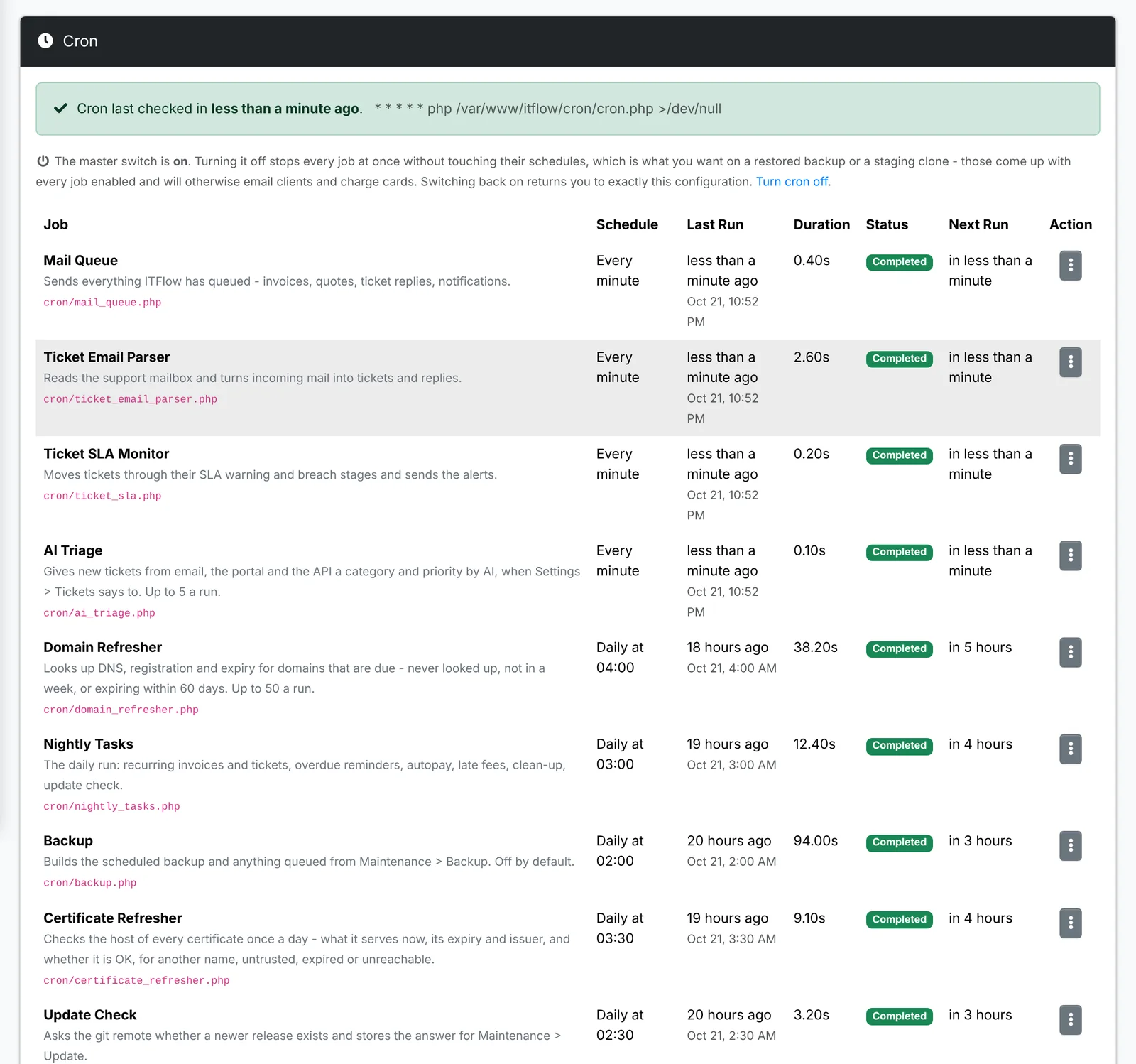
| Job | Runs | Does |
|---|---|---|
| Mail Queue | every minute | Sends invoices, quotes, ticket replies and notifications |
| Ticket Email Parser | every minute | Turns email to your support mailbox into tickets and replies |
| Ticket SLA Monitor | every minute | Warns about SLAs close to a breach, and records breaches |
| AI Triage | every minute | Triages new tickets, when that's switched on |
| Backup | daily | Makes the scheduled backup |
| Update Check | daily | Checks for a new version |
| Nightly Tasks | daily | Recurring invoices and tickets, reminders, autopay, late fees, clean-up |
| Certificate Refresher | daily | Checks every certificate |
| Domain Refresher | daily | Looks up domains that are due |
Each job's menu has Run Now, Edit Schedule (the time of day for a daily job) and Disable. Turn cron off stops every job at once without touching their schedules - what you want on a restored backup or a test copy, so it doesn't email clients or charge cards.
If cron stops, email stops going out, recurring invoices aren't made and SLAs aren't watched. ITFlow warns on the Cron, Mail Queue and Backup pages when it hasn't run for a few minutes.
Backup
Admin > Backup makes a backup now, keeps a schedule, and holds the encryption key backups need.
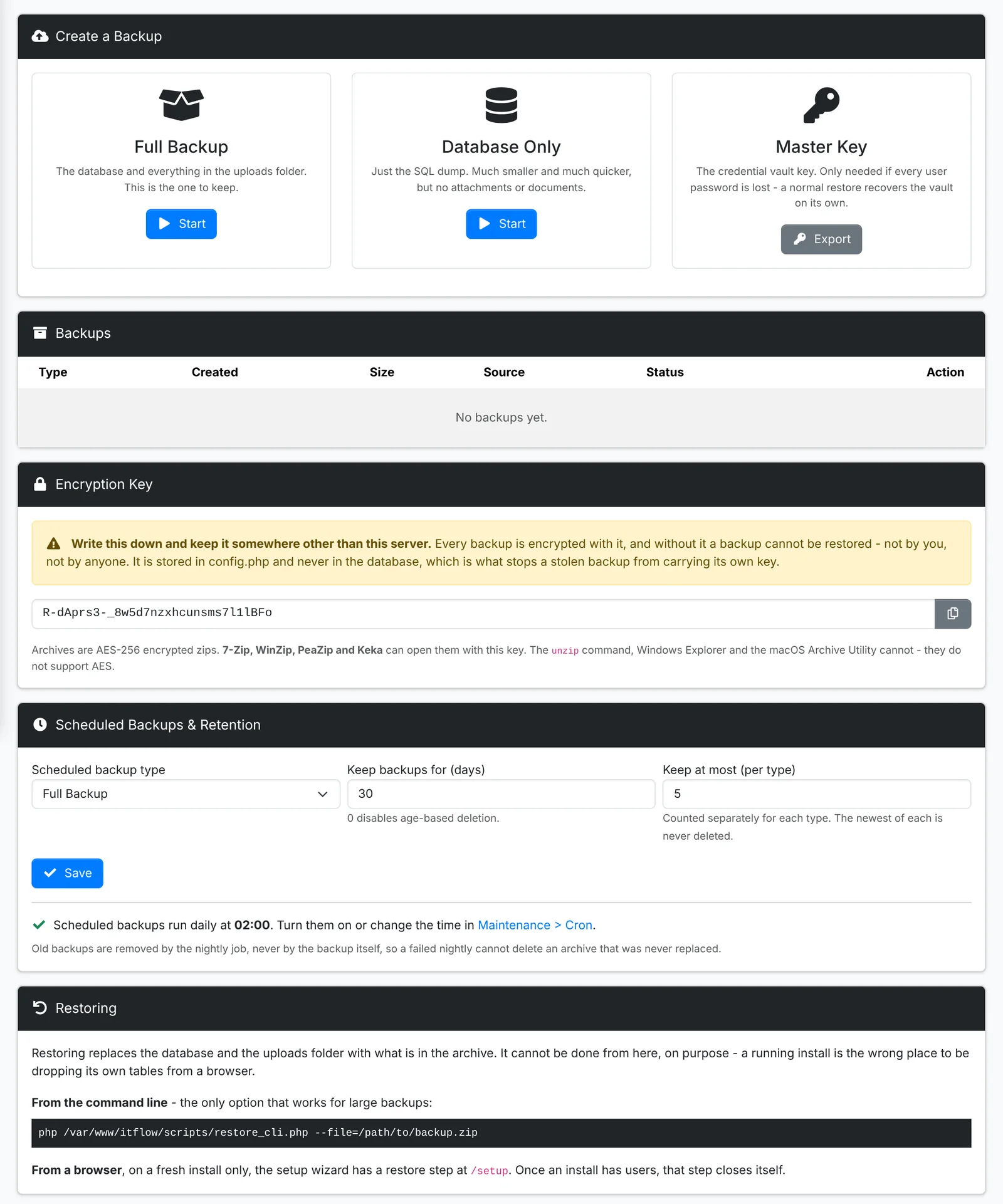
- Full Backup - the database and everything uploaded. This is the one to keep.
- Database Only - just the database. Much smaller and quicker, but no files or documents.
- Master Key - exports the key to the credential vault, for when every admin's password is lost.
Scheduled Backups & Retention sets the type made each night, how many days to keep them, and the most to keep of each type.
Every backup is an encrypted zip. The Encryption Key shown on the page opens it - write it down and keep it somewhere other than the server. Without it, a backup can't be restored, by anyone.
To restore, use scripts/restore_cli.php on the server, as the page shows. On a brand new install, the setup wizard also has a restore step. Moving to a new server goes through both.
Update
Admin > Update shows the version you're on - its release, branch, database version and commit - and whether a newer one is waiting.
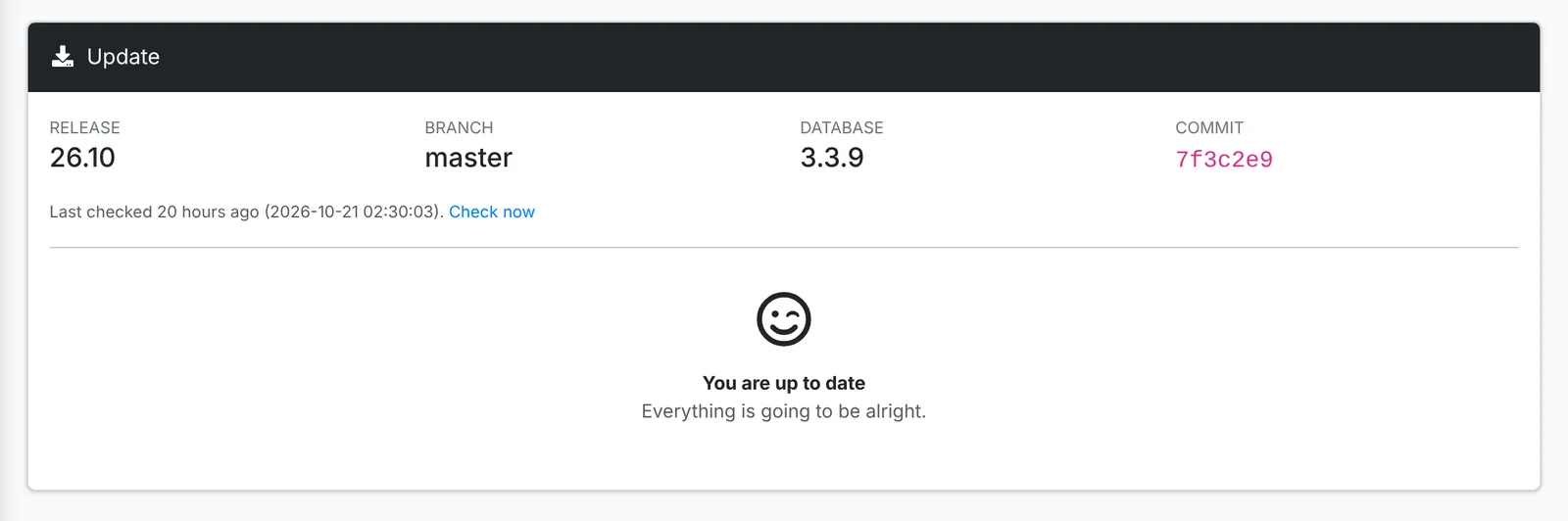
The Update Check job looks for updates once a day; Check now looks straight away. Queue Update hands the update to cron, which updates the files and then the database. To update from the command line instead, see Updating ITFlow.
Take a backup before updating - a snapshot of the server is safest - and read the changelog first: some releases need steps of their own.
Starter content
Admin > Starter Content is a library of defaults for a typical MSP: categories, tags, ticket and project templates, canned responses, vendor templates, document templates, products and services, and license templates. Add whichever packs are useful - on a new install, or one that's been running for years.
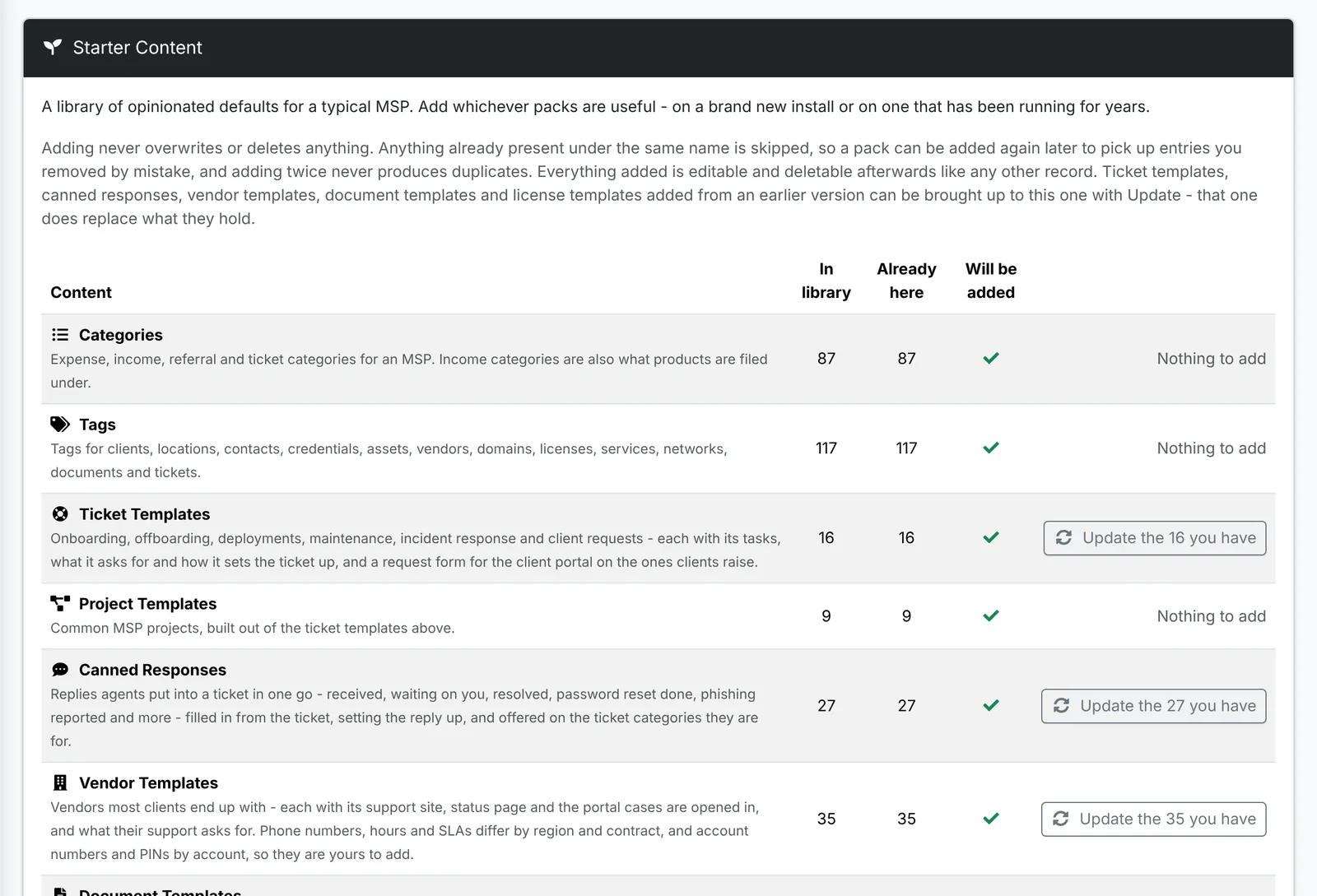
Adding never overwrites or deletes anything: what you already have under the same name is skipped, so adding twice never makes duplicates. When a newer version of ITFlow brings improved templates, Update the ones you have brings yours up to date.
Request forms come with the ticket templates, turned off - turn each on in its template's Client portal card. Products come priced as starting points: hardware and resold licensing at zero, because they're quoted per deal.
Demo Data removes the sample clients and records from a demo install, ready for your own.