License and vendor templates
The licenses you sell and the vendors your clients use, set up once - so adding Microsoft 365 or a client's ISP takes a click, and you can see who's missing one.
Most MSPs sell the same licenses, and deal with the same vendors, client after client. Templates set them up once, so each client's copy starts complete and consistent.
License templates
A license template is a license you sell or look after again and again: Microsoft 365 Business Premium, an endpoint protection agent, a backup product.
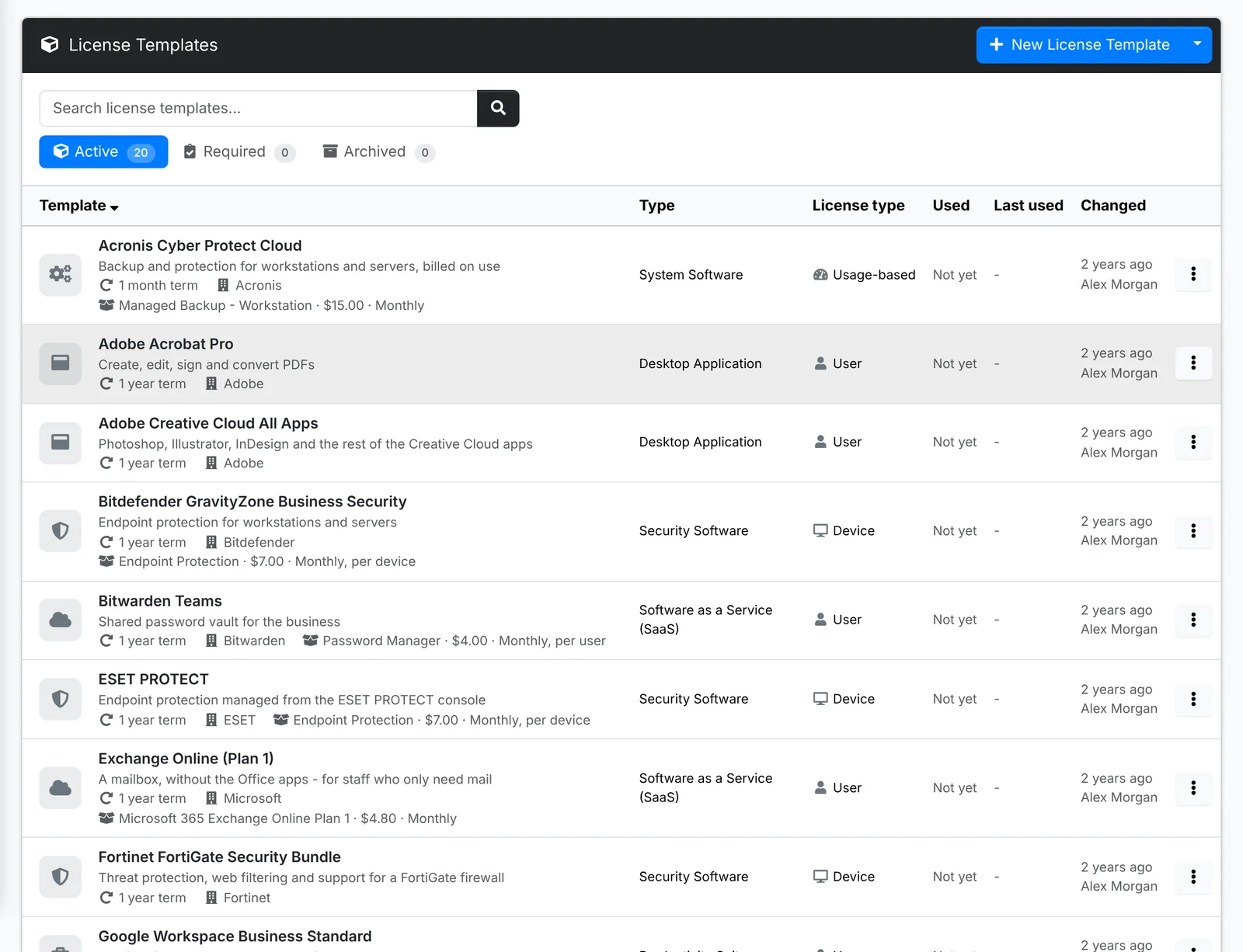
Open one to see What a license starts with: its name, type and license type, how often it renews, its vendor, the product it's Sold as from your catalog, and notes for your team - where it's managed, how renewals work.
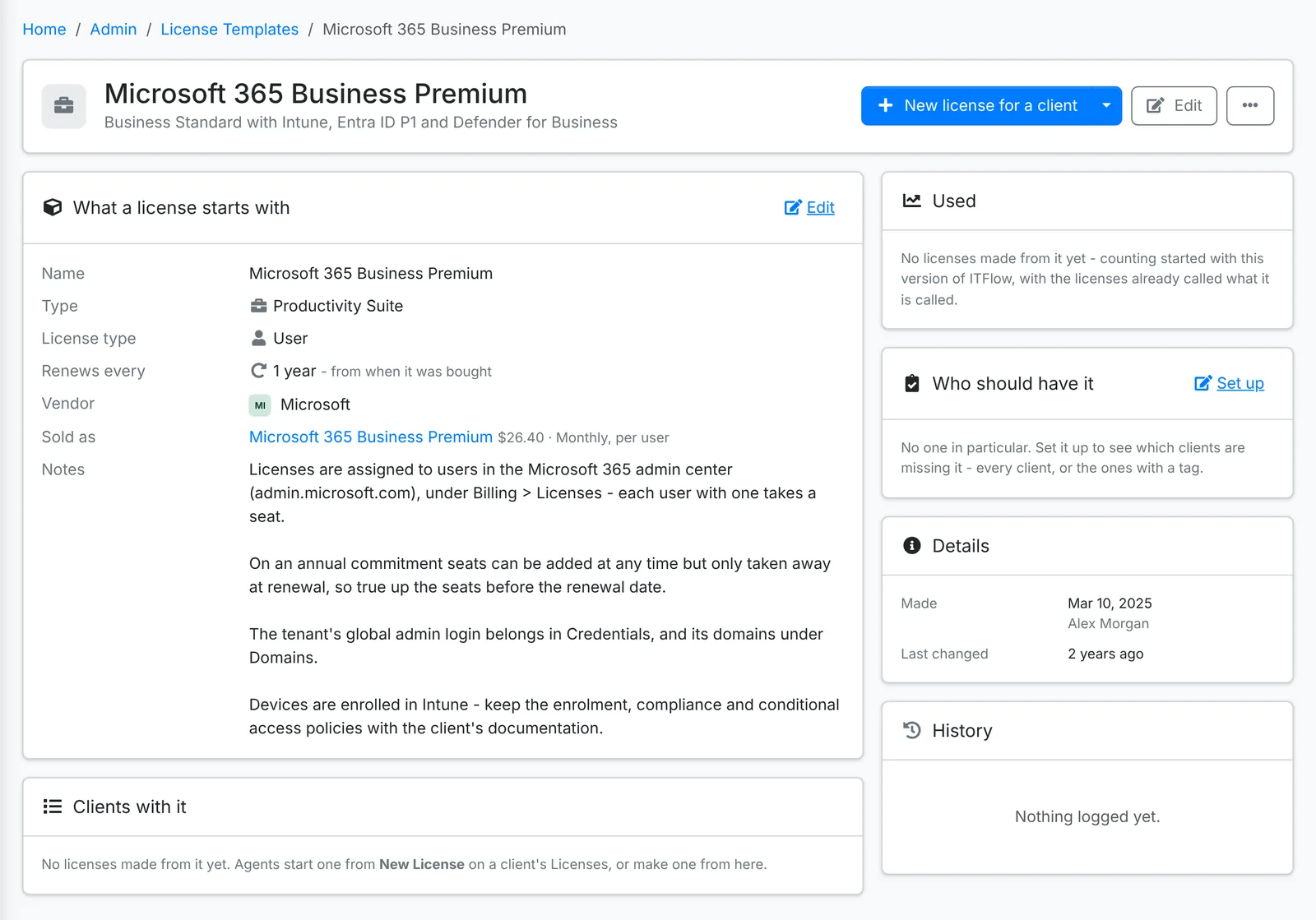
- New license for a client - or For several clients - makes licenses from it in one go.
- Who should have it - every client, or the clients with a tag. The Required tab then shows who's missing it.
- Clients with it lists every license made from it, with their seats.
Agents pick a template when they add a license to a client - see Licenses. A license sold as a catalog product can be billed per seat on a recurring invoice - see Recurring invoices.
Vendor templates
A vendor template is a vendor your clients use again and again - the ISPs, the hardware makers, the distributors, line-of-business software - with its website, support line, hours, SLA and what their support asks for.
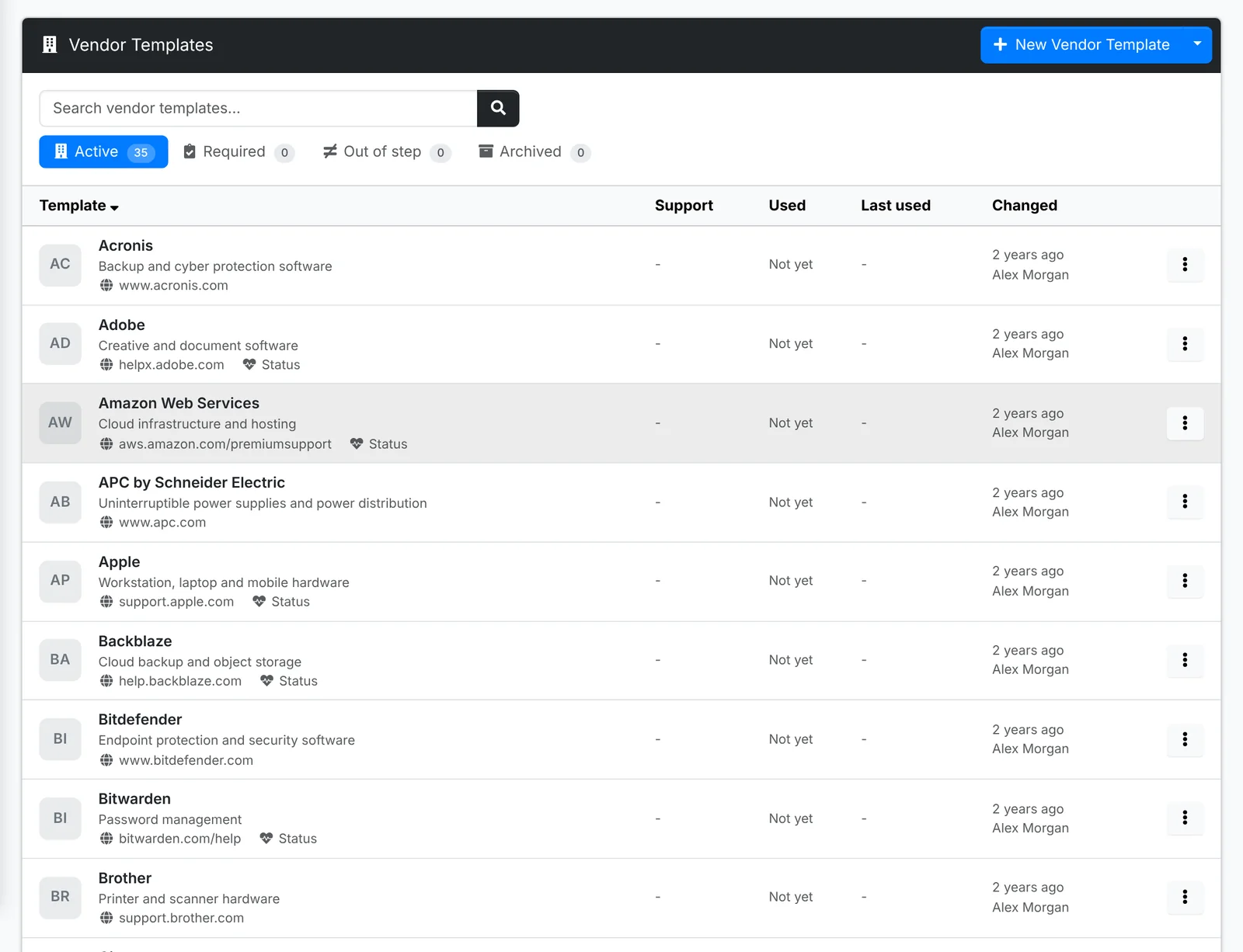
- Add to clients adds it as a vendor to several clients at once.
- Who should have it - every client, or those with a tag. Required shows who's missing it.
- Out of step shows clients' vendors made from it whose details now differ from the template - a support number that changed, say - so you can bring them back in line.
Agents pick a template when they add a vendor to a client - see Vendors. A client's own account number, PIN and contacts stay on the client's vendor.
Starter libraries
Both have a starter library - Starter license templates and Starter vendor templates in the menu beside New - with the licenses and vendors most MSPs use. Add them, then change or archive what you don't need. See Maintenance.
Import and Export move templates to and from a file, to share them between installs.