Document templates
Documents ready to start a client's from - network overviews, runbooks, build sheets, plans - that fill themselves in from the client, and say which clients should have one.
A document template is the starting point for a document every client needs: a network overview, a backup and recovery runbook, a disaster recovery plan, a site and access sheet. It fills itself in from what ITFlow knows about the client, asks for the rest, and can be required of every client - so your documentation is consistent and nothing's missing.
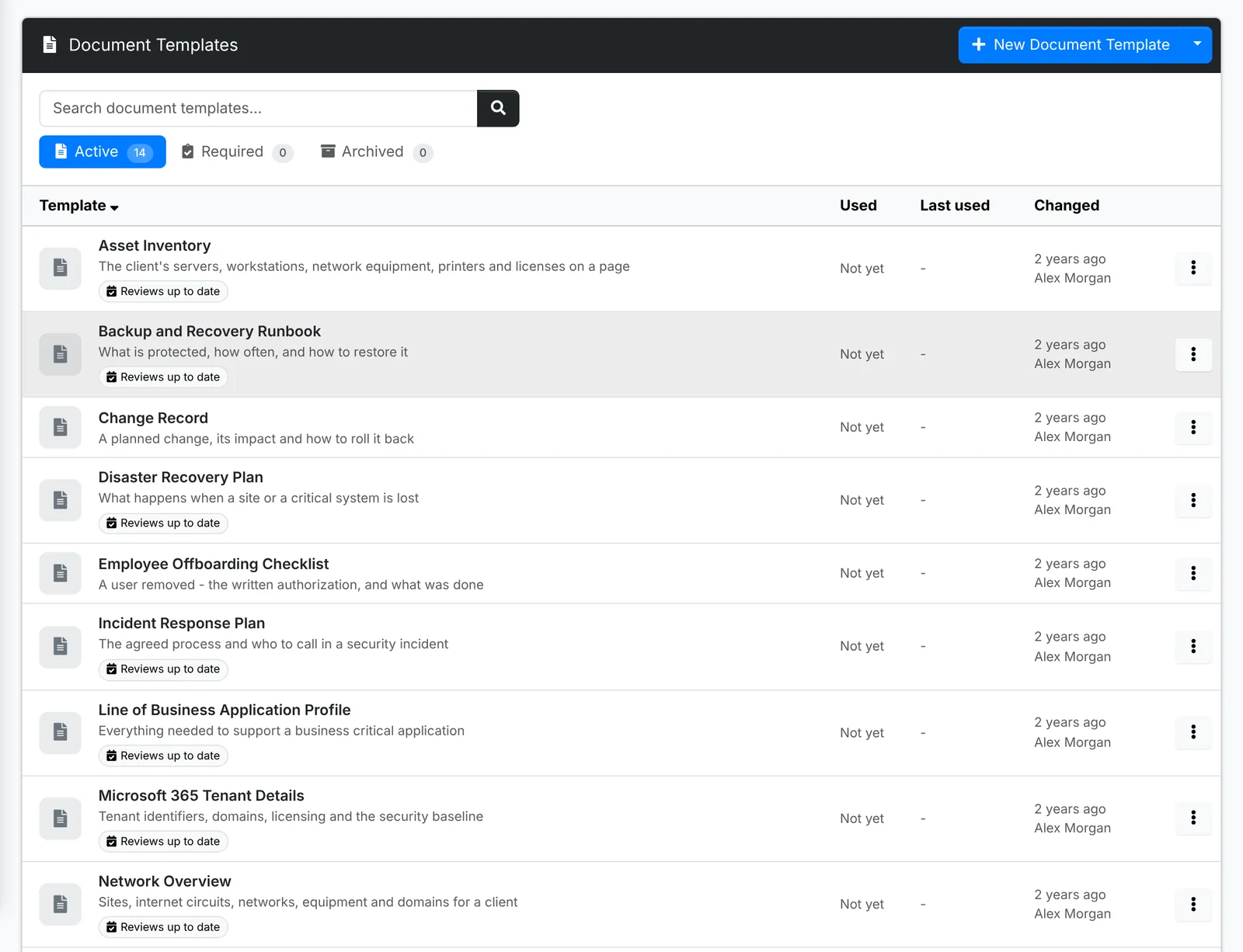
Starter document templates, in the menu beside New Document Template, adds a library of them. Agents use them from a client's Files - see Files and documents.
A template's page
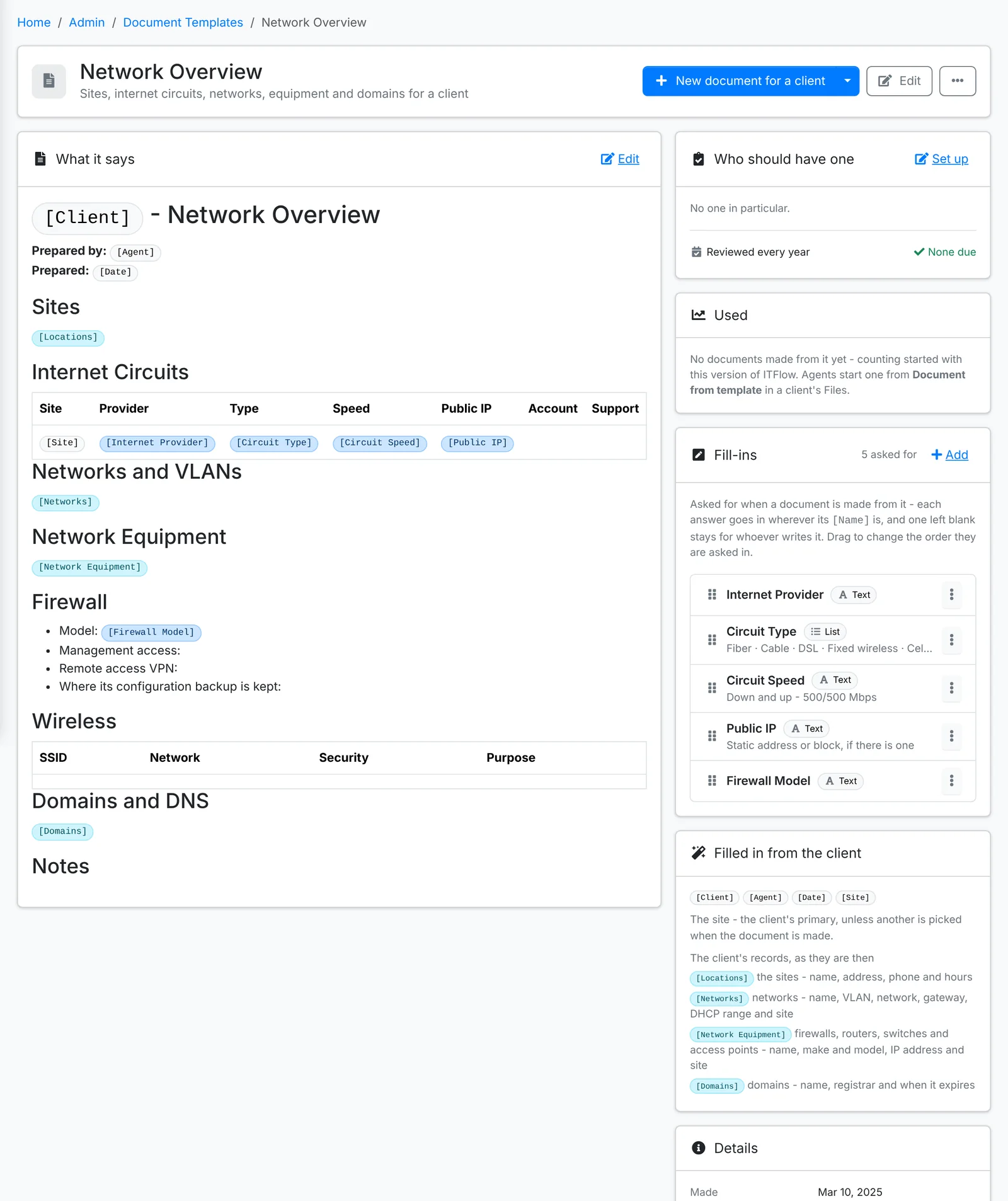
What it says
The document, written in the editor. Two kinds of placeholder go in it:
- Filled in from the client -
[Client],[Agent],[Date]and[Site], and whole tables of the client's records as they are when the document is made:[Locations],[Networks],[Network Equipment],[Domains], and their servers, licenses, contacts and more. The side of the page lists them all, with what each holds. - Fill-ins - questions asked when the document is made, such as
[Internet Provider]or[Firewall Model]. Each answer goes wherever its name is. One left blank stays for whoever writes the document.
With AI set up, the template can be drafted for you from what it's for.
Who should have one
Set it to every client, or the clients with a tag - "every Managed client should have a Network Overview". Each client's Files then lists the documents it should have, a click from making them, and the Required tab shows who's missing one.
Set Reviewed every so many months to have its documents come up for review. A document due a review says so, and shows on the client's overview and in the Documentation Coverage report.
Making documents
New document for a client makes one now. For several clients makes one for each client you pick - good for rolling a new template out to everyone who should have it.
Edit, and ⋮ with Copy, Archive (documents made from it stay) and Delete.
How they are used, in the menu beside New Document Template, shows how often each template is used, which clients that should have a document from it do, and the documents due a review.